

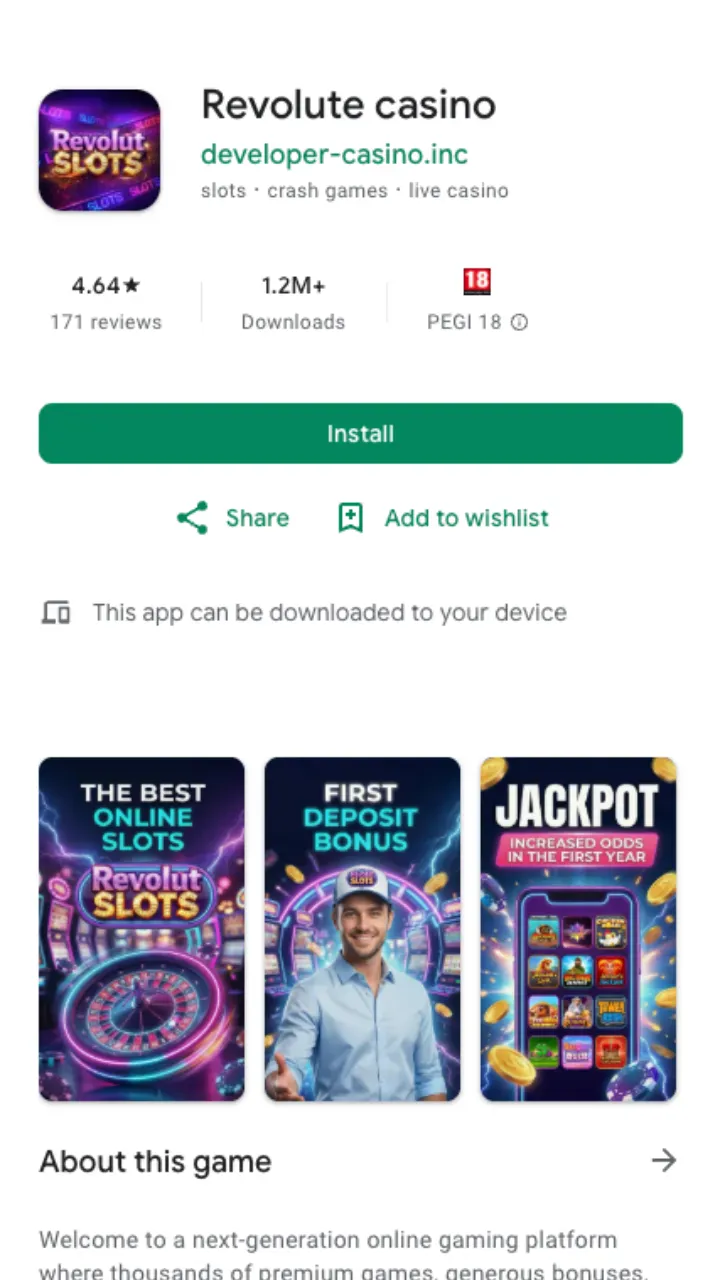
Most players ask the same first question: is there a native app in Google Play or the App Store? Short answer, no. Revolute casino ships a progressive web app (PWA) instead. You open the site in Chrome or Safari, tap a couple of buttons, and an icon lands on your home screen that behaves like a downloaded app. It loads fast, keeps you logged in and skips the whole app-store review dance. For a casino that changes its game list and promotions weekly, that matters: you always run the current version, never a stale build.
The mobile experience carries over everything from the desktop version. All 10,000+ slots from BGaming, Yggdrasil, Thunderkick, Spinomenal and Platipus are there. So are the live tables, the cashier and the full welcome offer of 100% up to £1,000 + 100 FS. Nothing is trimmed for the small screen.
How to install on Android
Android is the smoother of the two. Chrome handles PWAs natively, so the whole thing takes under a minute.
- Open the Revolute casino site in Chrome on your phone.
- Tap the three-dot menu in the top-right corner.
- Choose Add to Home screen (some builds label it Install app).
- Confirm the name and tap Add. The icon drops onto your home screen.
- Launch it from that icon and log in as usual.
No APK sideloading, no unknown-sources toggle, no security warnings to click past. If your phone ever prompts you to download a random APK file to "get the app", that is not us. The only install path is through the browser.
How to install on iPhone and iPad
iOS works the same way but through Safari, and the button sits in a different spot.
- Open the site in Safari (not Chrome on iOS, the install button hides in other browsers).
- Tap the Share icon at the bottom of the screen.
- Scroll the list and pick Add to Home Screen.
- Rename it if you like, then tap Add.
- The Revolute icon appears; open it to play in full-screen.
iPhone users get the same catalogue and the same cashier. Face ID or your passcode still guards the phone itself, and the app opens without a browser address bar, so it feels native.
What the app actually gives you
A home-screen shortcut is only useful if it earns its space. Here is what you get once it is installed:
| Feature | On the app |
|---|---|
| Game library | Over 10,000 slots plus live tables, unchanged from desktop |
| Providers | BGaming, Yggdrasil, Thunderkick, Spinomenal, Platipus |
| Welcome bonus | 100% up to £1,000 + 100 FS, claimable in-app |
| Minimum deposit | £10 (£20 to activate the bonus) |
| Minimum withdrawal | £20 |
| Support | Live chat and email, 24/7 |
| Storage used | Almost none, it runs from the browser cache |
Because it is a web app, updates are silent. There is nothing to patch and no download to babysit. Open the icon and you are on the latest build.
Deposits and payouts on mobile
The cashier is identical to the one on the desktop site. You can top up from £10, though remember you need £20 down to switch on the welcome package. Withdrawals start at £20, with a ceiling of £4,000 per day and £30,000 per month.
Payout speed depends on your method, not on the device. Crypto usually clears within 24 hours. Visa and Mastercard take 1-3 business days. Bank transfer over SEPA runs 2-3 business days. If it is your first cash-out, expect KYC first: passport or driving licence, a recent utility bill for proof of address, and proof of payment for your deposit method. Verification normally wraps up within 24 hours. For the full breakdown of limits and methods, see the payment options in the footer.
One bonus rule worth repeating: the welcome offer wagers at x40, with a tighter x30 on the third deposit, and you have 7 days to clear it. That timer runs the same whether you play on the app or the desktop site, so plan your session before the clock starts.
A few honest limits
The PWA is not perfect. You cannot play offline; a slot needs a live connection to spin. On older phones with tight memory, a very long session can slow the browser cache and you may need to reopen the icon. And because it is not in Google Play or the App Store, you install it yourself rather than tapping a familiar green or blue store button. For most players that is a fair trade for skipping store restrictions and always running the current version.
Ready to set it up? Open the site on your phone, add it to your home screen, and claim the 100% up to £1,000 + 100 FS welcome bonus once you are in.